Customer-ready PDF quotes from the estimate
Generate a branded PDF from the same line items the estimator reviewed, including customer details, scope, totals, and acceptance terms.
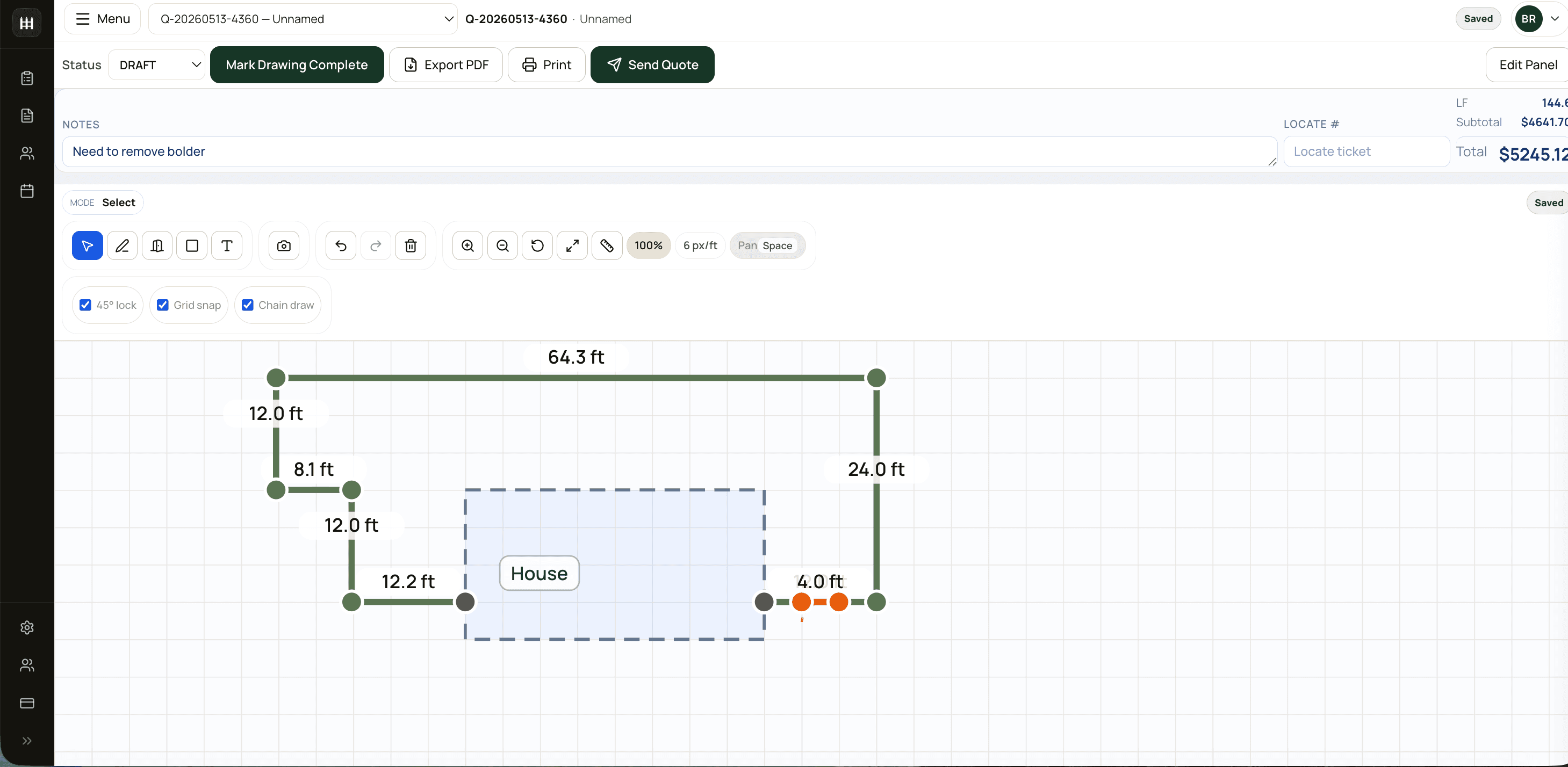
Fence quote software should carry measured sections, gates, pricing, tax, and quote details from the drawing into a proposal your team can send without retyping the job.
Why contractors search for fence quote software
FenceTracer keeps measured sections, gates, catalogue prices, taxes, discounts, and terms on one quote record. When the customer asks for a change, the estimator updates the job once instead of reconciling a drawing, spreadsheet, and Word document.
Generate a branded PDF from the same line items the estimator reviewed, including customer details, scope, totals, and acceptance terms.
Change quantities, unit prices, tax, deposits, discounts, or customer-facing descriptions before the proposal leaves the office.
Send as many proposals as the team needs without metered documents or per-estimator pricing changing the monthly bill.
The accepted scope stays connected to the drawing, materials, appointments, and installer notes instead of becoming a detached PDF.
Use cases
Move recurring scope, pricing, and terms into a repeatable proposal workflow while preserving job-specific adjustments.
Review the takeoff, make the commercial decision, and send while the site visit and customer conversation are still fresh.
Give installers the same sold quantities, drawing, and notes that appeared in the approved customer scope.
Use shared quote structure and catalogue rules so every estimator does not invent a different document format.
Contractor operations workflow
Use measured fence sections, gates, materials, and job notes as the source of truth.
Keep pricing, tax, deposits, discounts, and quote details organized before sending.
Create customer-ready quote details while the buyer is still engaged.
Accepted quotes carry the context your crew needs after the sale.
FAQ
A template still needs measurements, pricing, tax, and line items typed in manually. FenceTracer builds the quote from the drawing and pricing rules, so the quote reflects the job you sketched.
Yes. FenceTracer supports customer-facing quote lines, discounts, tax handling, and pricing adjustments while keeping the takeoff and material logic available for cost control.
Free fence tools
Try the same takeoff rules on a real job — no account needed.
No credit card. Solo quoting is $59 CAD / $45 USD per month; the full Company plan is $180 CAD / $129 USD per month with unlimited users and quotes after the 30-day trial — 25% less on annual billing.
More fence software pages